District Standards PC/Laptop/Printers
Why We Follow Standards
Adhering to District Standards helps maintain a stable and secure computing environment across the college. Standardized equipment:
-
Ensures compatibility with campus systems and software
-
Streamlines setup, maintenance, and troubleshooting by IT staff
-
Helps manage costs and simplify replacement or upgrade cycles
-
Allows for faster, more efficient support from technicians
By purchasing approved standard equipment, departments help the college maintain a sustainable and supportable technology ecosystem.
Requesting Quotes and Purchasing
The District Standards list provides estimated pricing to help departments plan technology purchases. Prices may vary depending on vendor and availability.
Before purchasing any computer, printer, or accessory, please contact the Help Desk at [email protected] to request a formal quote. The IT Department will verify current pricing, confirm compatibility, and ensure your order aligns with District Standards.
-
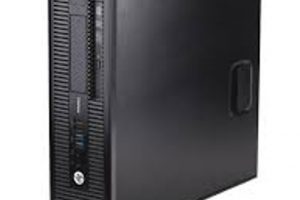
PC Standards
Reliable desktop computers designed to meet the daily productivity and instructional needs of faculty and staff.
-

-
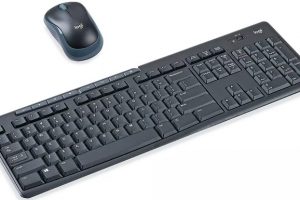
Keyboard and Mouse Standards
Ergonomic, durable peripherals selected for comfort and reliability.
-
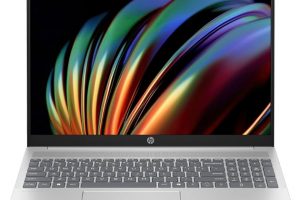
Laptop Standards
Portable devices offering performance and flexibility for employees who work on the go or across multiple locations.
-
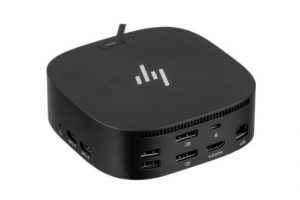
Docking Station Standards
Provides seamless connectivity for laptops, allowing quick access to monitors, keyboards, and other peripherals while maintaining a clutter-free workspace.
-

Jar Cart for Laptops Standard
Mobile technology cart designed to securely house and transport computing or presentation equipment.
-
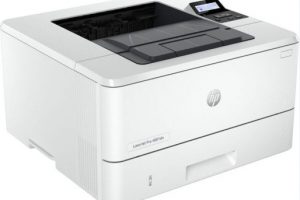
Printer Standards
Standard models support secure printing and are optimized for departmental or office use.
-

Zoom Conference Room Bundle Standards
All-in-one video conferencing solution that delivers high-quality audio and video for hybrid meetings.
-
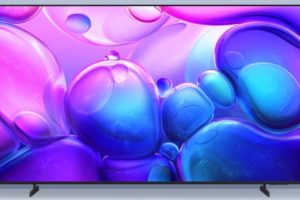
Stand Alone HDTV Bundle Standards
Professional-grade display bundle for presentations and digital signage.
-

Wireless Headsets
Comfortable, high-quality headsets designed for clear audio during Zoom calls and online meetings.
Need Additional Assistance?
If you require additional assistance, contact the help desk.
Staff, Faculty, and Managers call (209) 384-6180 or email [email protected].